
User Access
This page will show you how to add or edit a user for any member of your team.
Add A User
This section is used by the client to grant its employees access to their specific Innovorise account.
To access Team Management complete the following steps:
Click "Settings" in the side navigation menu of the account view
Click "My Staff"
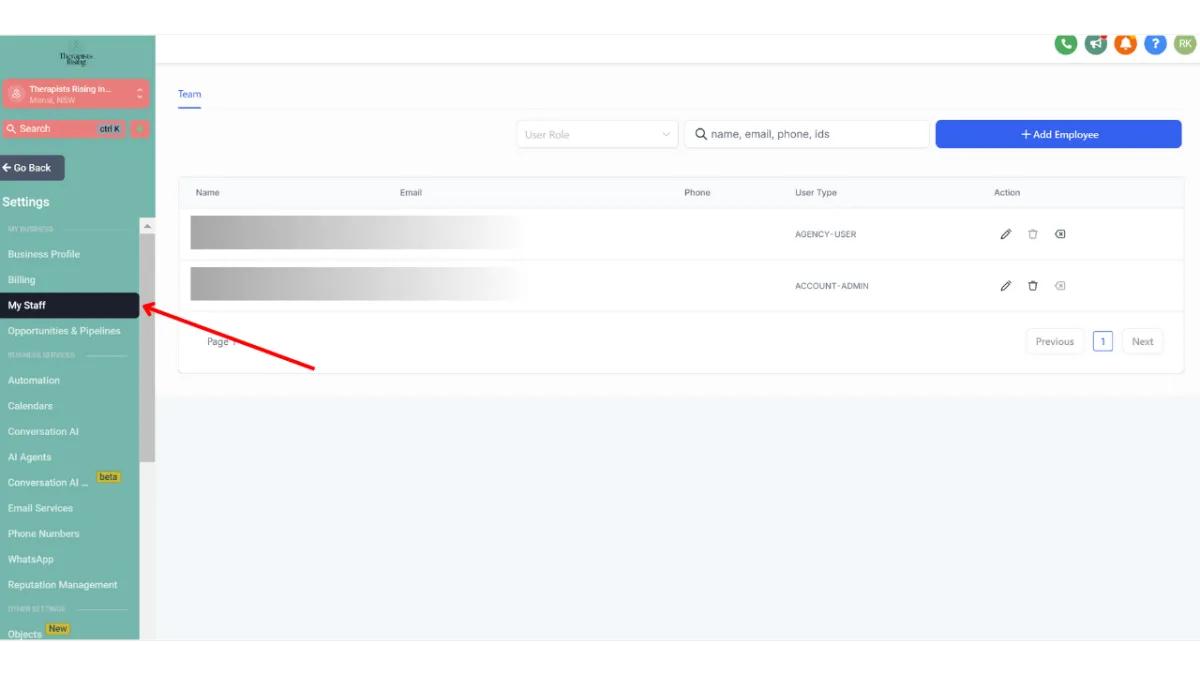
Here you or the client can add, delete, or edit details of an a user.
Adding or editing an user allows you to update:
1. Personal logo
2. First name
3. Last name
4. Email (login email)
5. Phone
6. Password (login password)
7. Permissions