
How to Purchase Domain Step by Step
The Domain Purchase feature in Innovorise allows agencies to enable locations, and accounts to buy and manage domains directly within the platform. This article will guide you through enabling, managing, and rebilling domain purchases.
Purchasing a Domain
Once Domain purchase is enabled, Go to Location settings and go to Domains Page
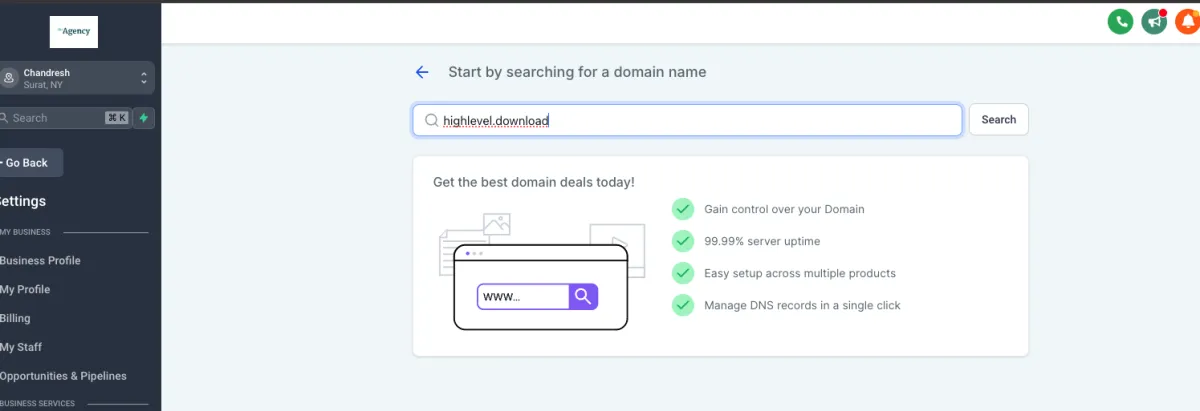
Use the search bar to check domain availability.
You will see that domain and list of other recommended domain
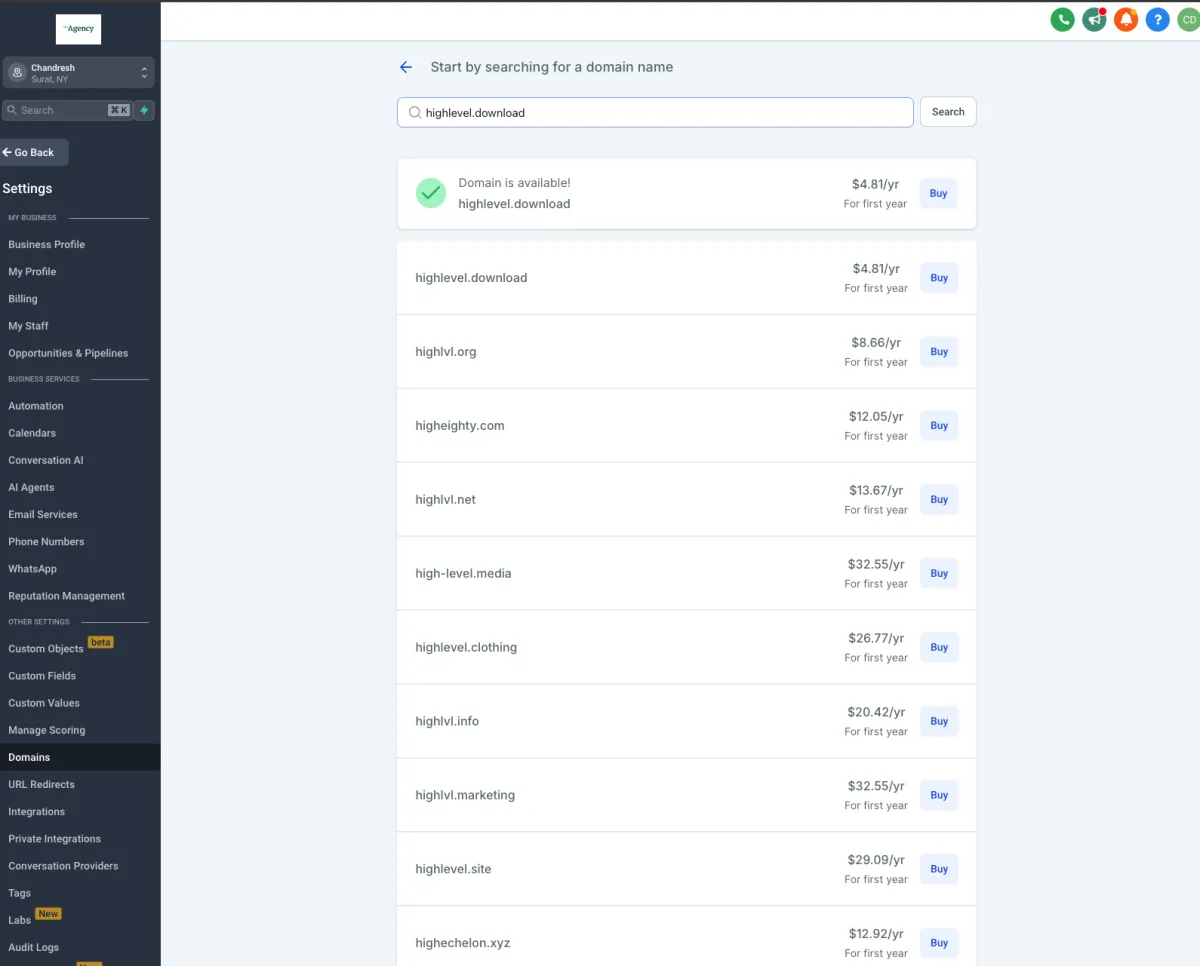
Click on Buy to purchase the domain directly from the platform.
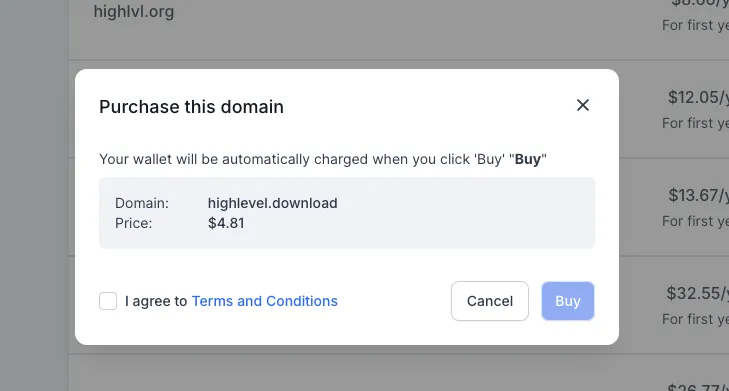
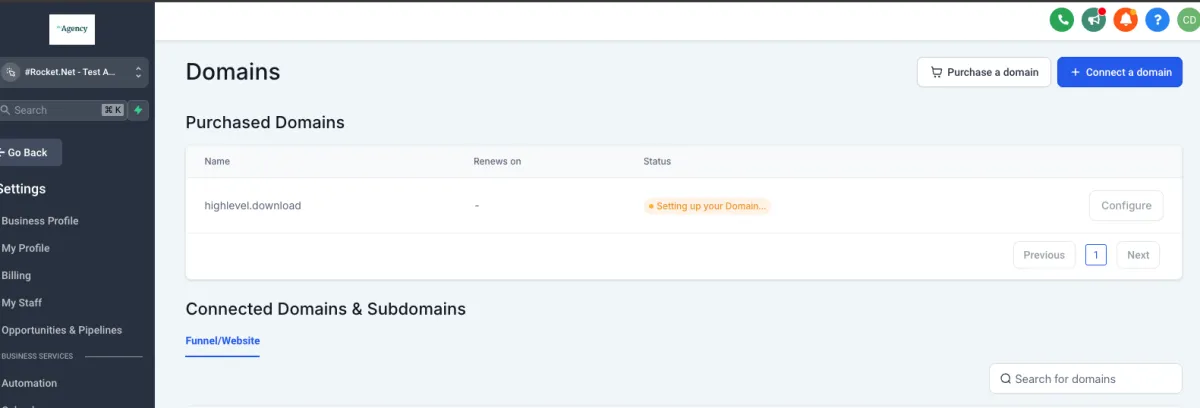
It takes about 1 minute to complete the domain registration process.
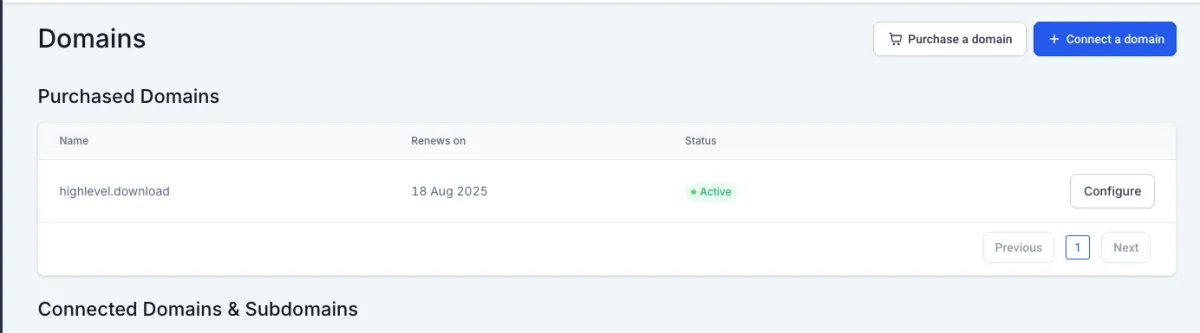
Configuring and Managing Domains
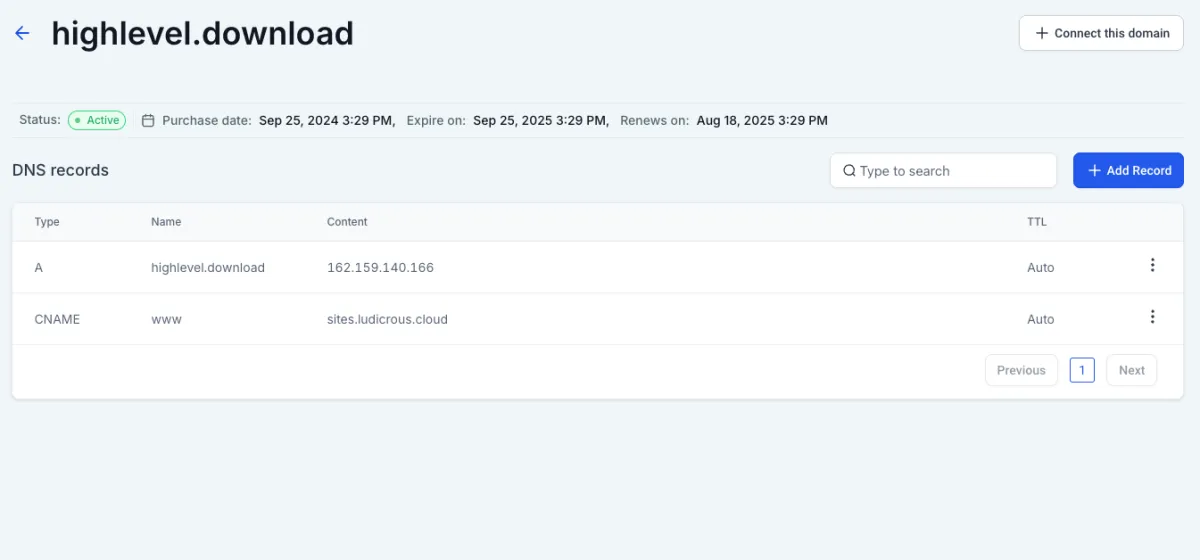
Go to Domains Page. Click on Configure for the purchased domain and you will be able to see all the options.
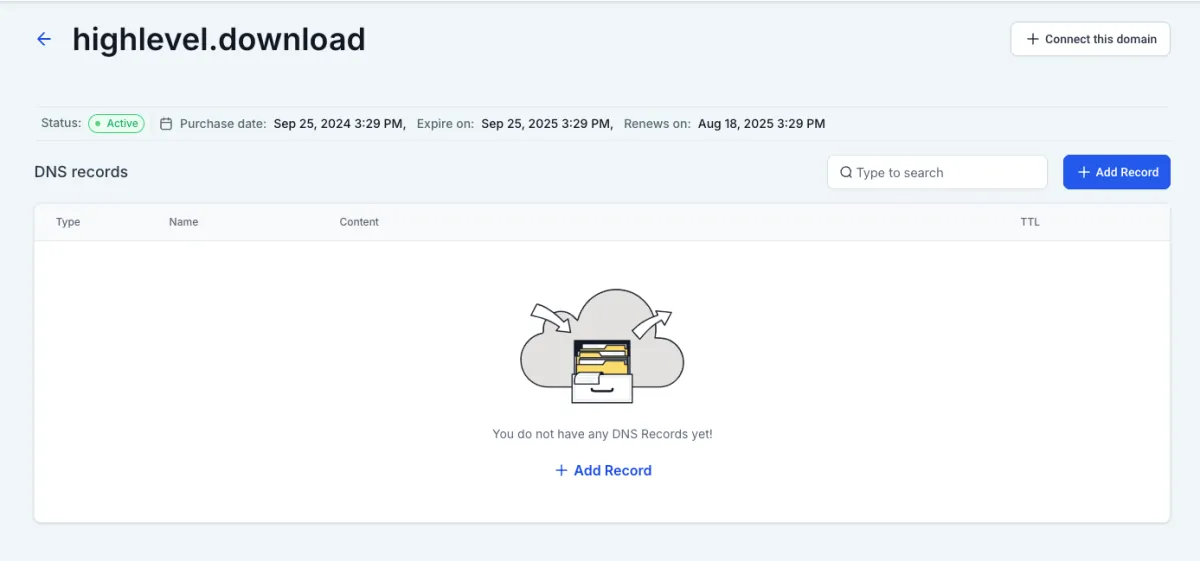
Modify DNS records with a single click for quick updates and configurations.
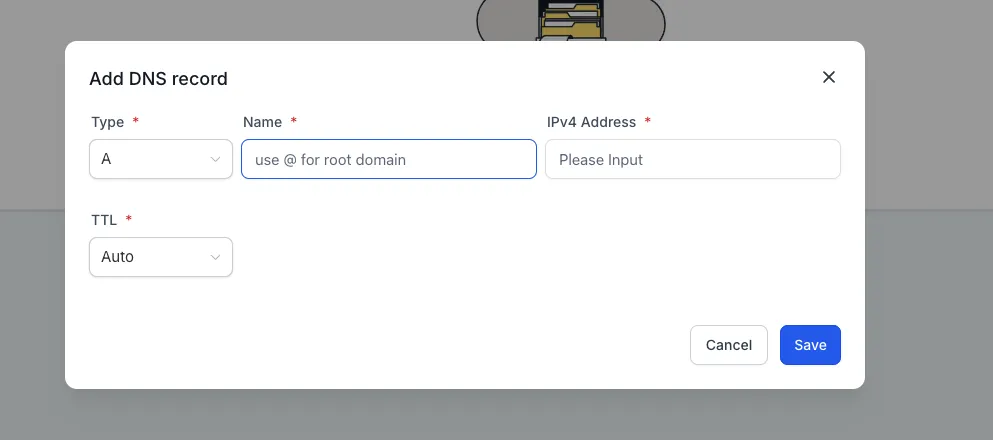
Type of record supported as of now:
A
CName
AAAA
MX
TXT
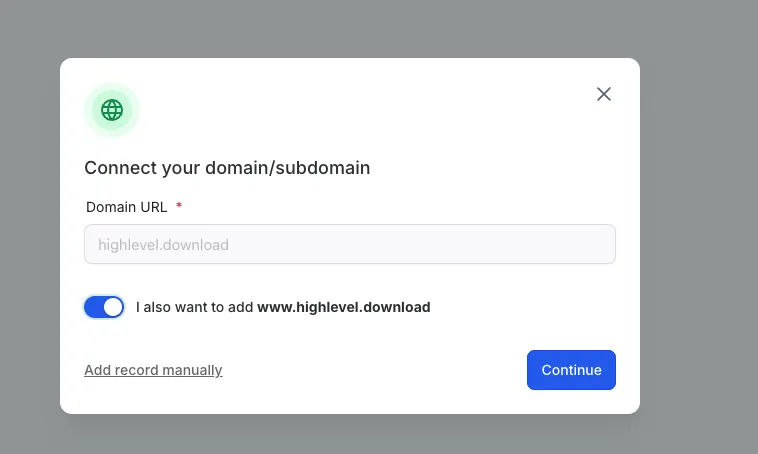
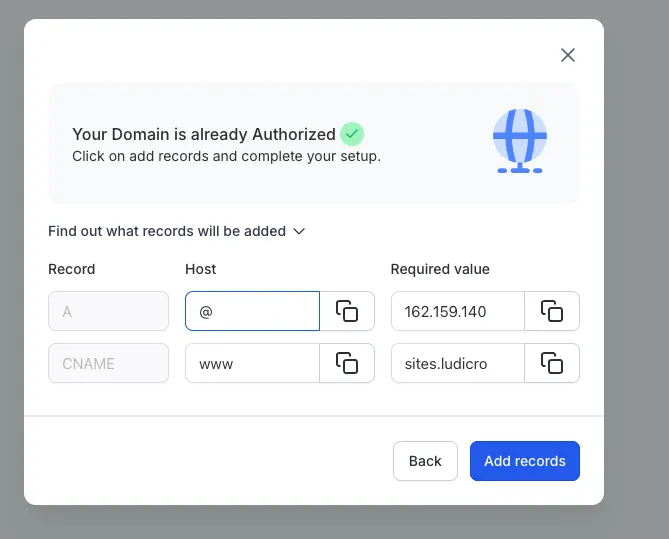
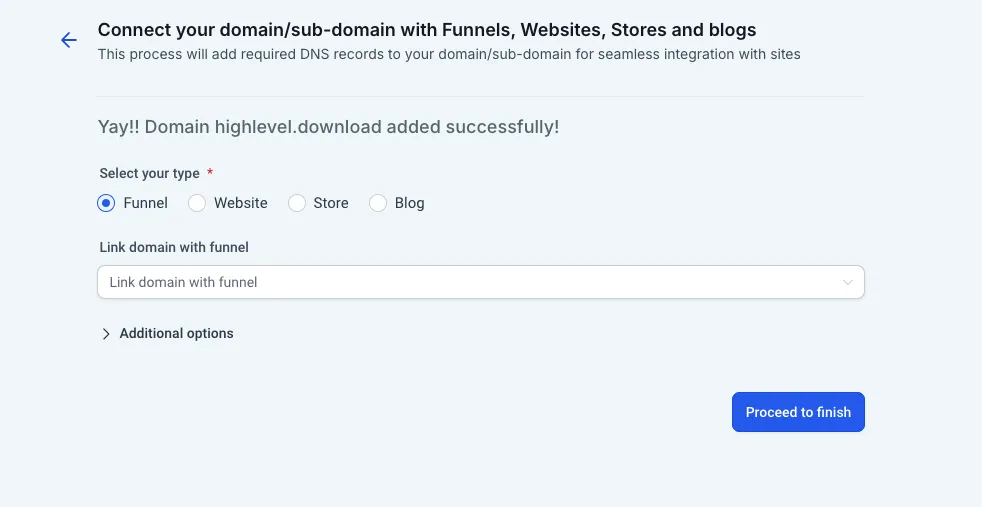
You can also connect this domain to sites product directly from connect domain.
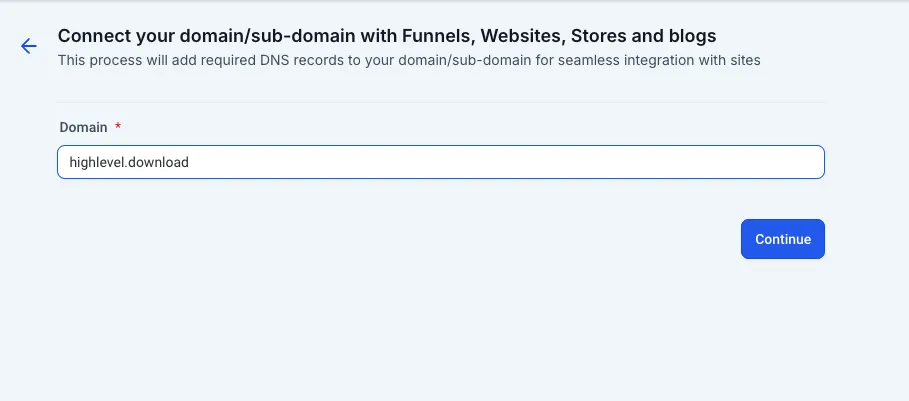
Integration with domain connect
For every product at account level, In the domain connect flow, if the domain is purchased through Innovorise, it will automatically authorize and add the records.