How to Connect and Use Square payment processor in Innovorise
Business users will now be able to connect their Square accounts for processing payments within Innovorise
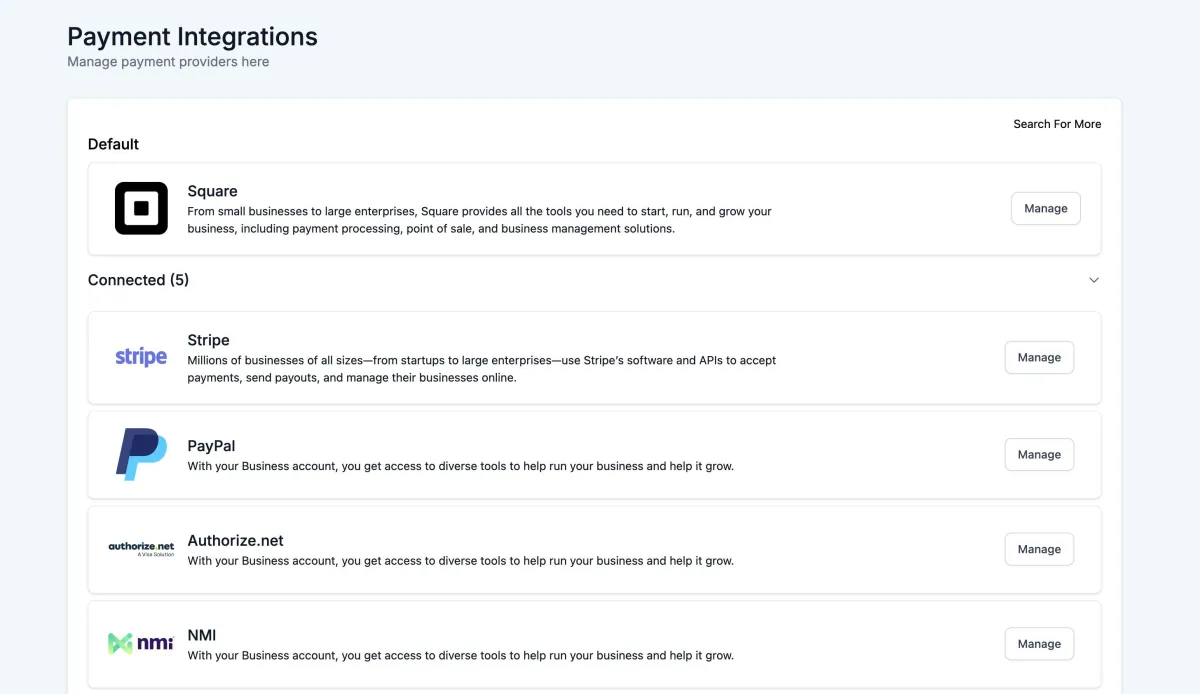
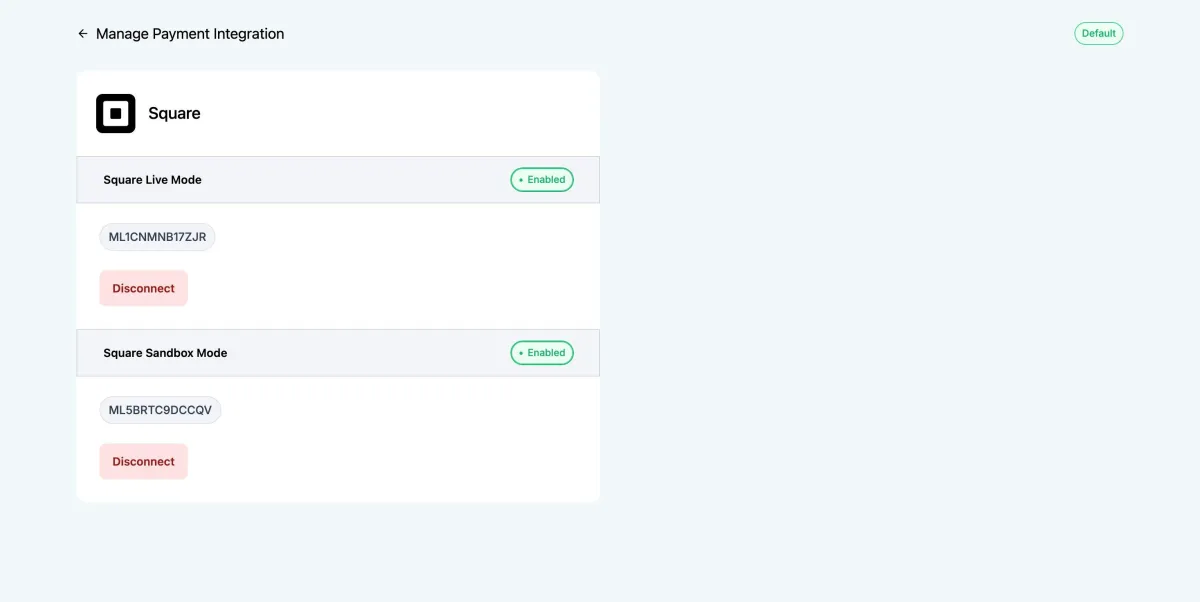
This is available under account Payments -> Integrations and businesses will be able to connect using their API keys.
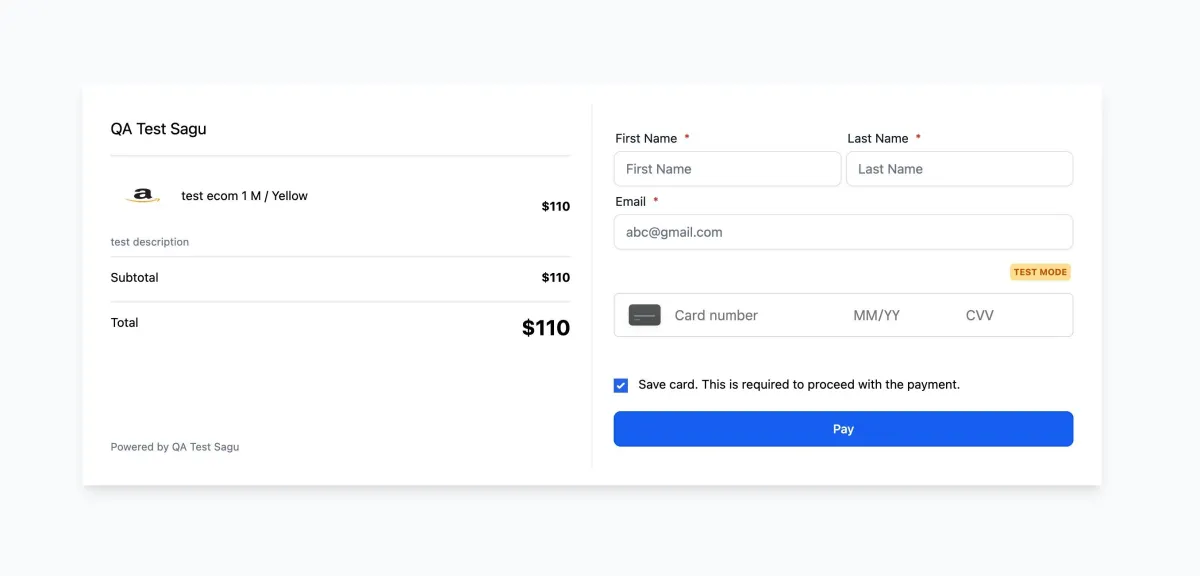
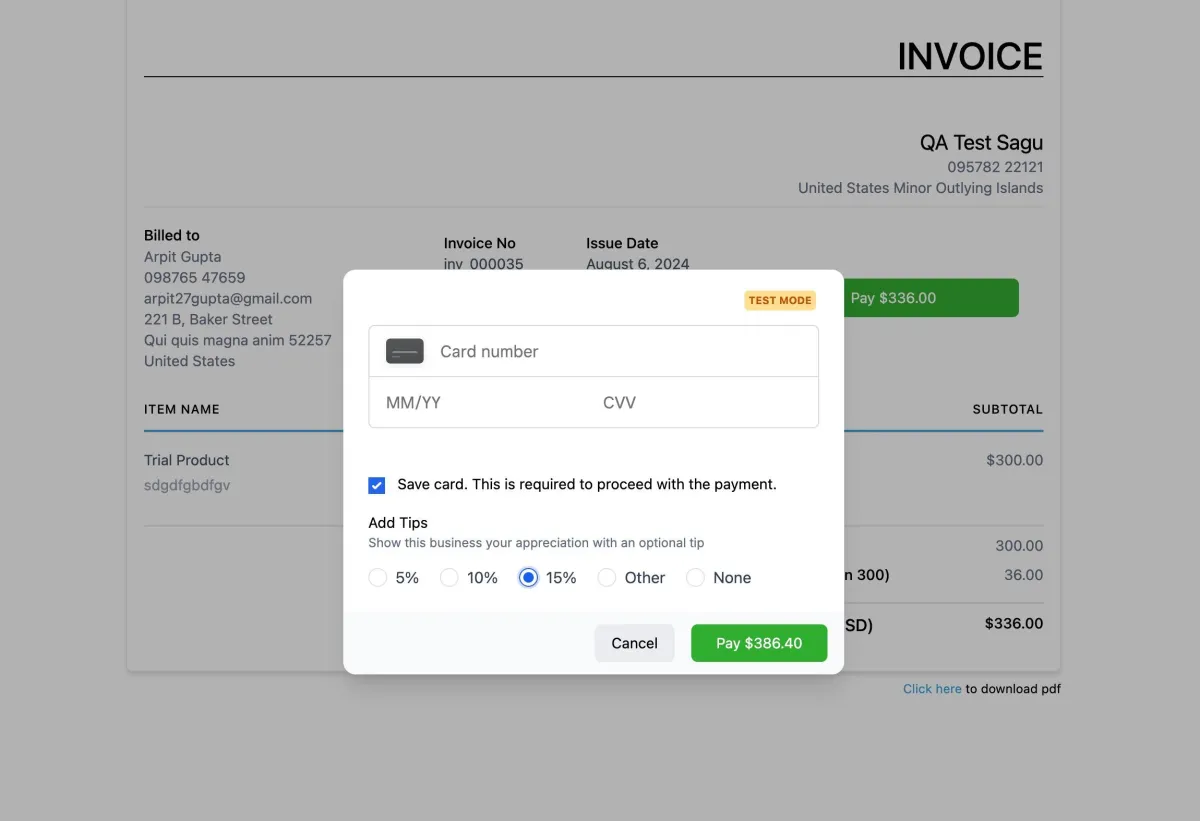
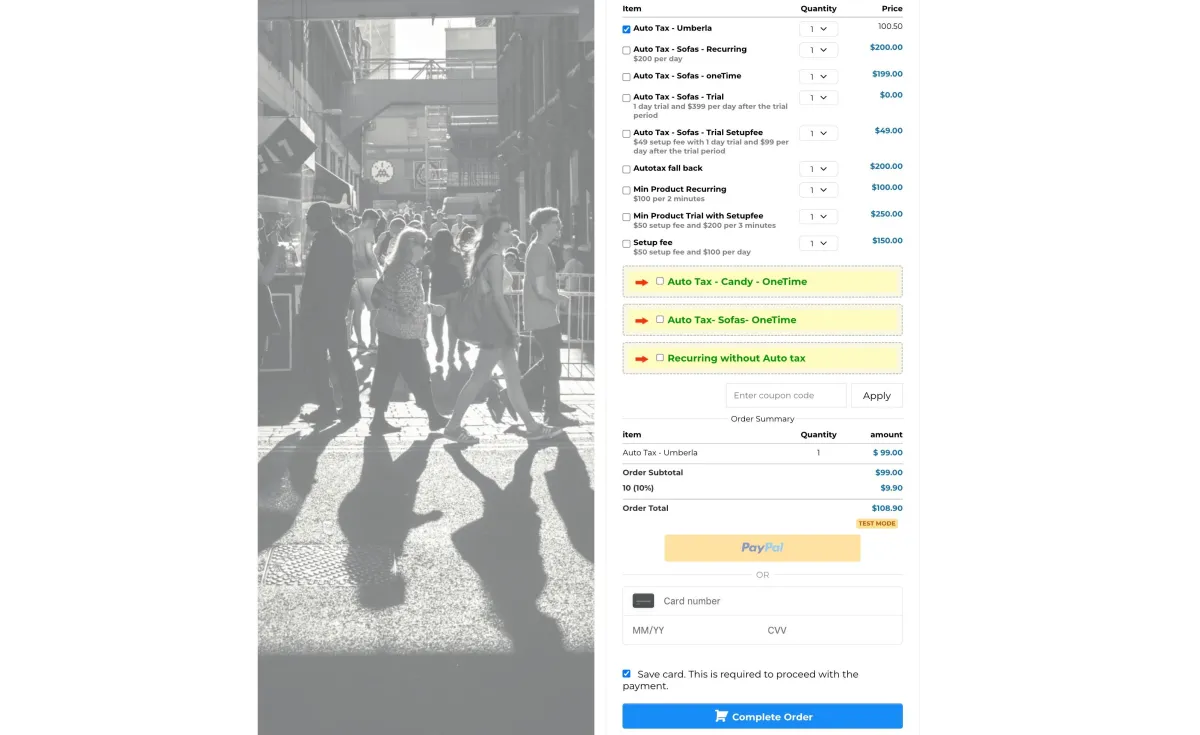
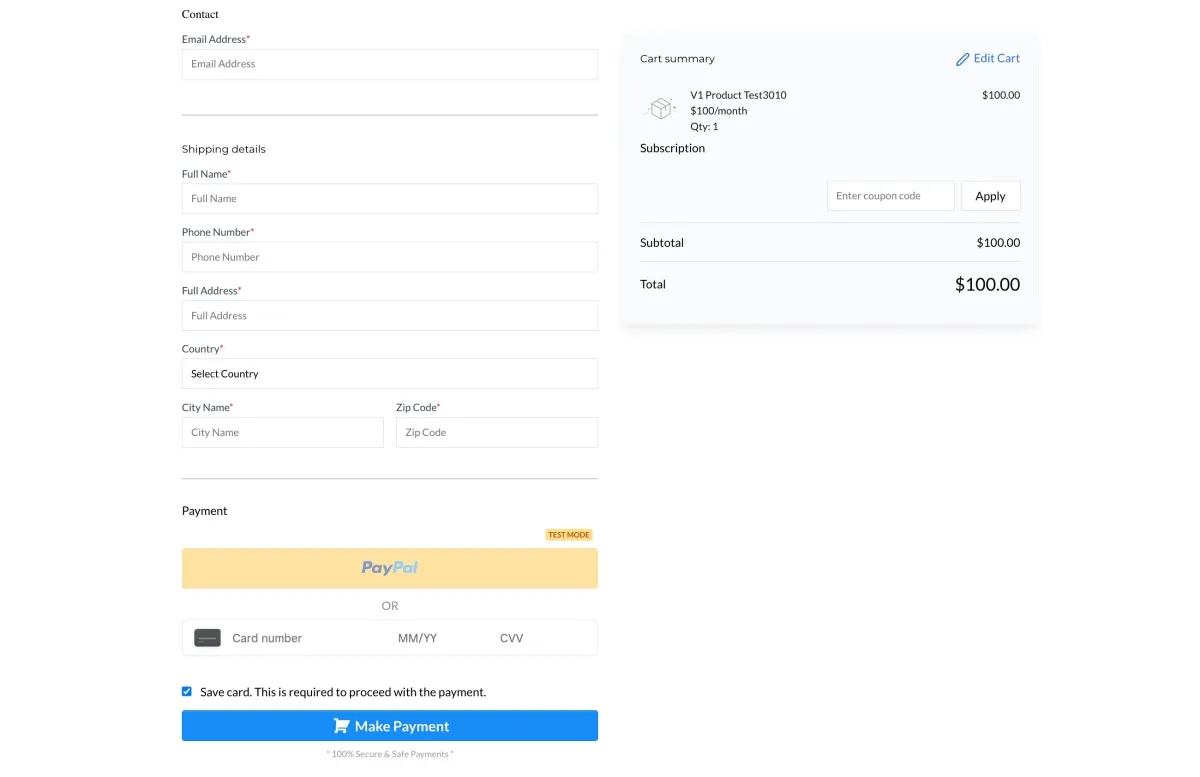
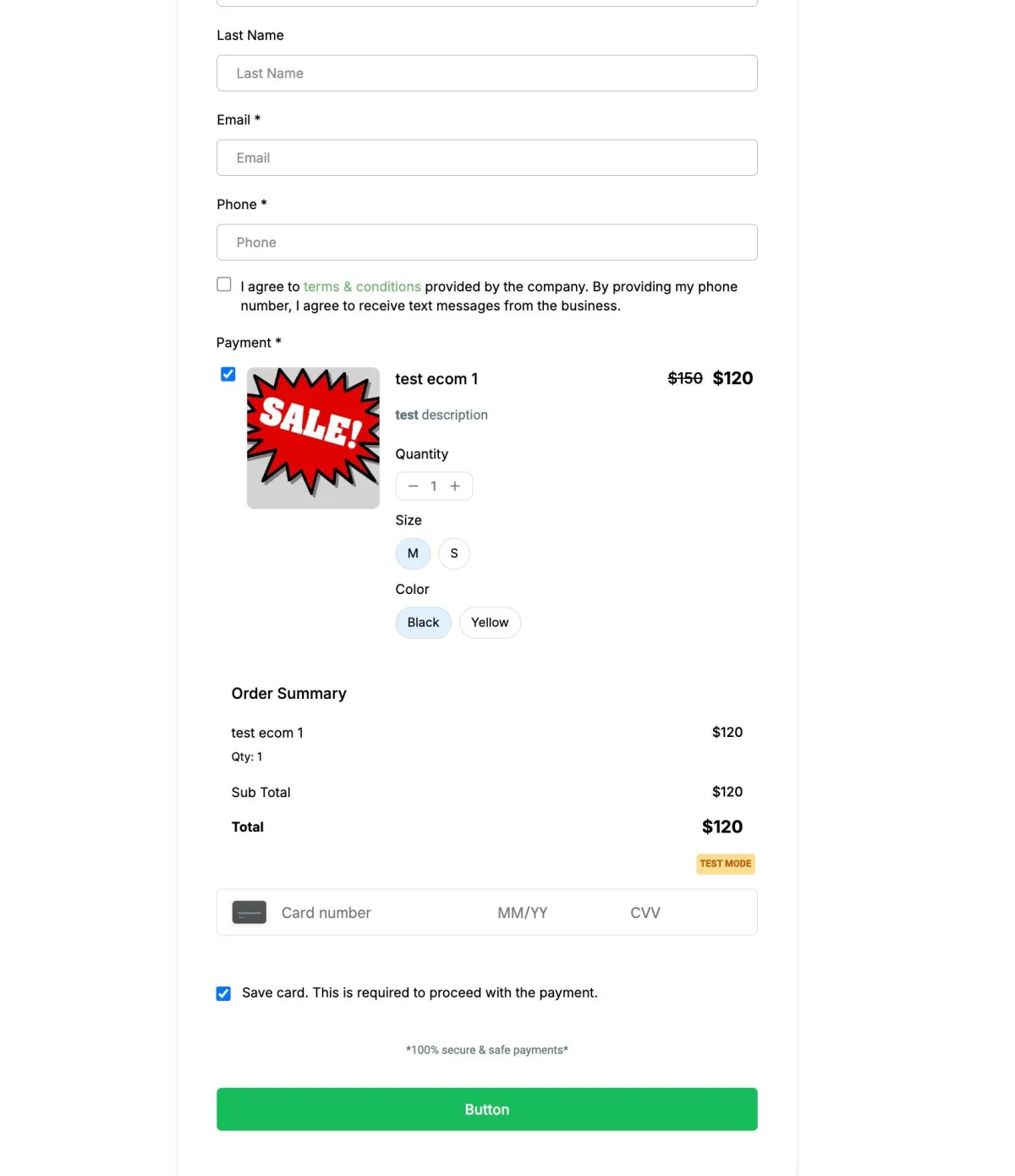
Businesses will be able to process one-time as well as subscription payments by configuring products under Payments -> Products. This includes support for all features available under account like order forms, invoices, online stores, forms, memberships, payment links and more. This is not available for SaaS and re-billing right now. Businesses will be able to track all payments made under Payments -> Orders and Transactions and all existing trigger functionalities will also be available along with this integration.
To connect to Square in Sandbox/Test Mode, follow the below steps:
Login to you square account - https://app.squareup.com/login
Open the sandbox square account from your square dashboard and stay signed in as a square sandbox user
Then go to Innovorise and click on the Connect button for Square Test Mode. It will automatically pick that signed in sandbox account and connect it to Innovorise